How to connect a Microsoft mailbox and permissions required
Last updated: October 6, 2026
Situation | You want to connect your Microsoft mailbox to Amplemarket |
Solution | This article explains:-
|
Connecting to a Microsoft mailbox
To connect a Microsoft mailbox, follow the steps below:
Note: Azure mailboxes (Microsoft Exchange) are supported and can be connected using the Microsoft Account method described below.
Shared mailbox limitation: Amplemarket currently does not support connecting a Microsoft 365 shared mailbox. If you need a separate sending identity from a personal inbox for sequencing, use a dedicated Microsoft 365 mailbox instead.
Navigate to your Mailbox Settings in Amplemarket.
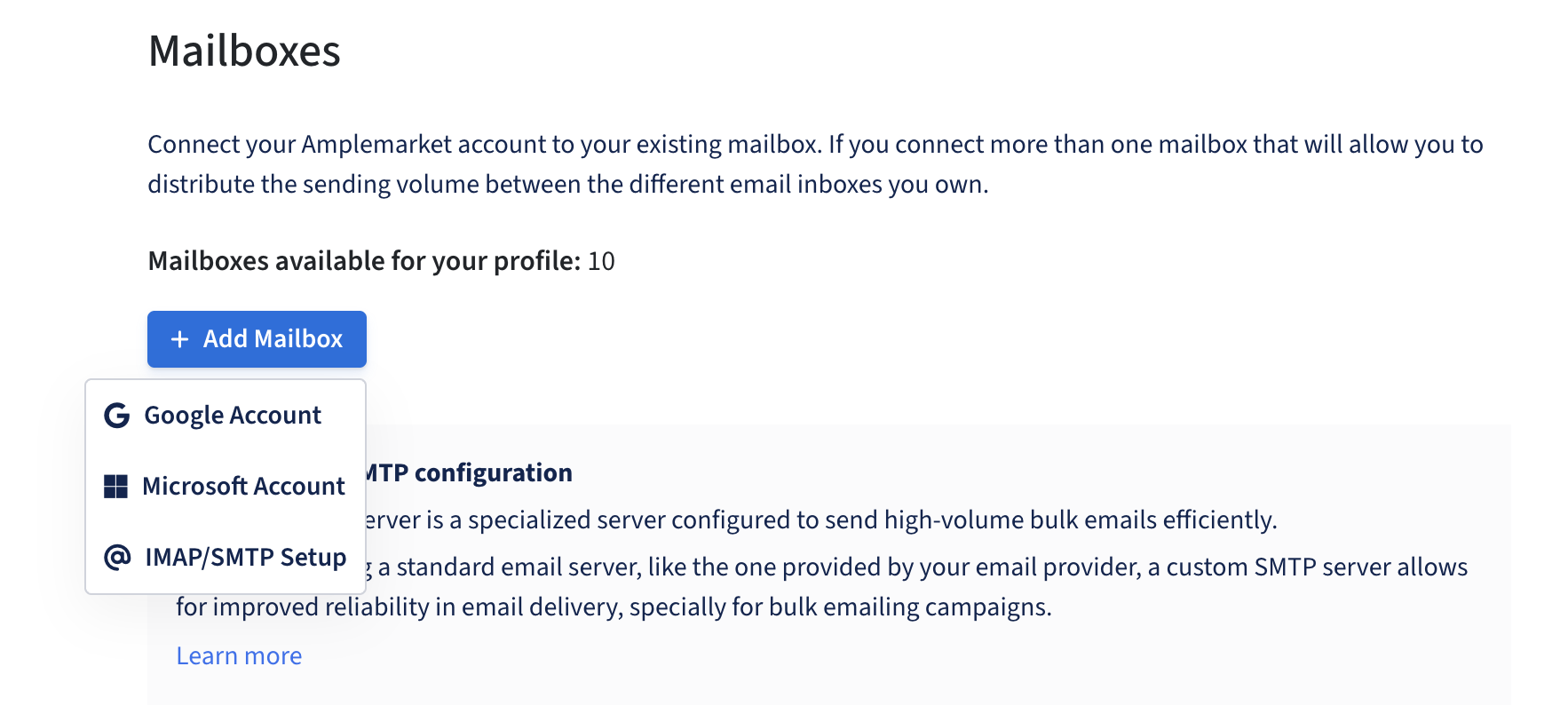
From there, click +Add Mailbox and select ⊞Microsoft Account from the dropdown menu.
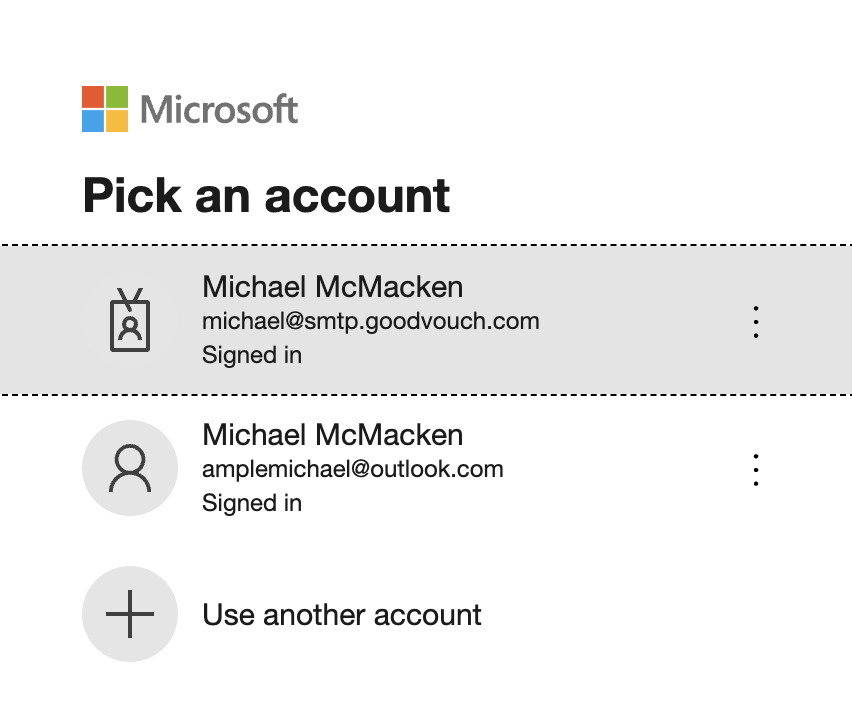
Select the mailbox that you want to connect to Amplemarket
You will be asked to grant the following permissions to Amplemarket:
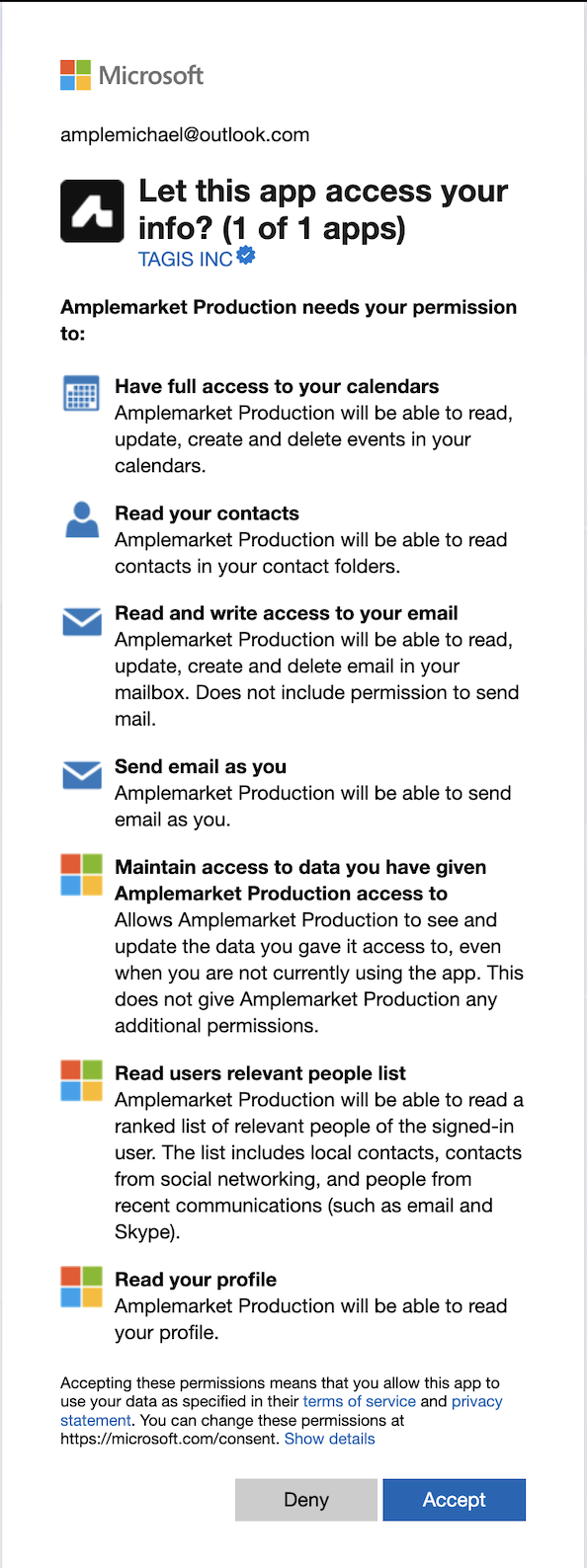
Click Accept to grant the permissions
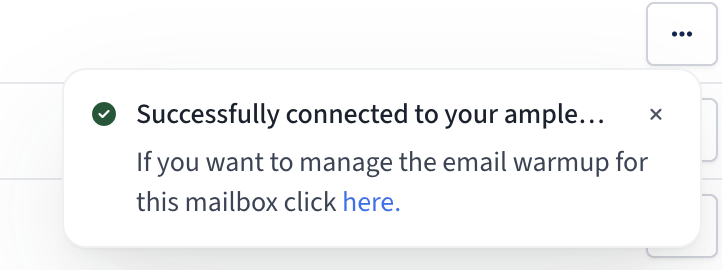
Done! Your mailbox should now be connected.
Troubleshooting: Admin Consent Required Error
If you encounter an error screen requesting admin approval when attempting to connect your Microsoft mailbox, this indicates that your organization requires administrator consent for third‑party applications.
To resolve this:
Your Microsoft account administrator needs to configure the admin consent workflow by following Microsoft's admin consent workflow documentation
After the admin consent workflow is configured, retry the mailbox connection steps above
This time, you'll be able to send a consent request for admin approval
Once your admin approves the request, you can complete the connection flow
Note: This is a common requirement in enterprise Microsoft environments and is controlled by your organization's security policies, not by Amplemarket.
Full list of Permissions
For IT teams that request a list of the full scope of permissions for Microsoft endpoints, they are listed below:
Scope and Permissions
offline_access
openid
profile
User.Read
Mail.Read
Mail.ReadWrite
Mail.Send
Calendars.Read
Calendars.ReadWrite
Contacts.Read
People.Read
Why Amplemarket requires these permissions
To utilise Amplemarket's features and provide the best experience possible, Amplemarket requires the aforementioned permissions for the reasons listed below:
Amplemarket need to access your mailbox to send emails through Sequences.
Amplemarket also needs to see who replied to your emails by accessing your mailbox so that we can log these engagements in Amplemarket.
Amplemarket needs to access your calendars to see which contacts have booked meetings with you so we can properly label them for your reporting.
Amplemarket enriches your calendar events so you have the ability to see more information on the lead before hopping into a meeting (can be disabled)
Amplemarket also need access to your inbox to detect the tone of the replies that you receive so that we can label them as
interested,hard no,circle back lateretc.
Data Access and Privacy Clarifications
The permissions granted provide technical access to your mailbox, but the activity captured in Amplemarket depends on your capture settings, eligible email and meeting activity, contact or activity matching, and the selected capture scope. This does not mean that every message in the mailbox is captured.
Off-platform activity capture controls whether eligible email and meeting activity that occurs outside Amplemarket is captured. When this setting is None, ordinary off-platform email and meeting capture stops. Emails sent through Amplemarket Sequences and their replies remain tracked. Changing this setting does not remove activity that was already captured.
Deleting an original email in Outlook, or deleting or disconnecting the mailbox, does not normally remove correspondence already captured in Amplemarket. No new emails sync after the mailbox is disconnected or deleted.
Key privacy protections:
No machine learning training is performed on customer emails
Email content is not shared with or repurposed for model development
There is no fixed retention period for captured messages. They remain available until they are manually archived or the account is closed.
All data is stored in encrypted databases hosted on Google Cloud Platform in the United States
Access is limited to authorized personnel under strict access control policies with logging and monitoring
Enterprise Note: Some customers choose to mitigate the technical scope of access by connecting specific mailboxes or domains dedicated exclusively to outreach activities, ensuring Amplemarket only has access to outreach-related traffic.
By granting us permission to read emails and send emails as their inbox, Nylas technically has access to all of the emails however, which is something outside of our control as it is essential to correctly sync emails to the platform.
If you still have any questions or concerns about these permissions, feel free to reach out to our support team at support@amplemarket.com