Building Sequences with Amplemarket MCP
Last updated: June 2, 2026
Overview
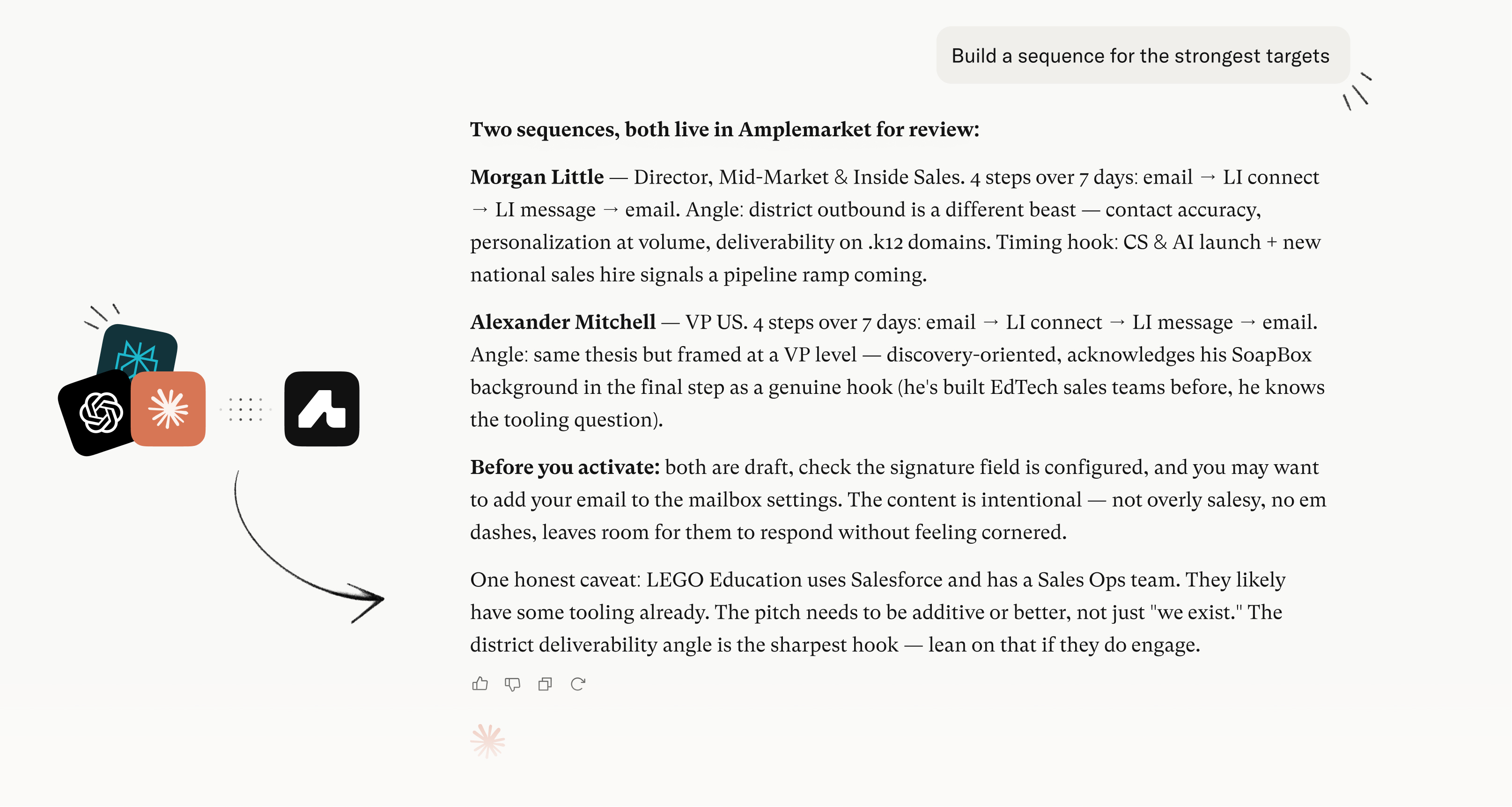
With the Amplemarket MCP you can build sequences end-to-end from your AI assistant: create the sequence, add steps with content, and enroll leads with personalized copy for every stage. For the full list of available sequence tools, see Connecting to the Amplemarket MCP Server.
Supported step types
You can add the following step types to a sequence via MCP:
Email
Phone call
LinkedIn connection request
LinkedIn message
LinkedIn profile visit
LinkedIn follow
LinkedIn like last post
LinkedIn voice message
LinkedIn video message
Limitations
Branching and conditional steps are not supported, sequences are linear only
Webhook and HTTP request steps are not supported
Steps always append to the end, you cannot insert a step at a specific position
Step type cannot be changed after creation. To change a step's type, delete it in Amplemarket and recreate it via MCP
Step deletion requires the Amplemarket dashboard. MCP can only add and edit steps, not remove them
Adding and editing steps is only supported for draft sequences
Launching a sequence requires the Amplemarket dashboard
Workflow
1. Create the sequence
Ask your AI assistant to create a new empty draft sequence with a name and optionally assign mailboxes.
2. Add steps
Ask your AI assistant to add steps one by one or all at once, specifying the step type, delay, and content for each.
3. Enroll leads
Ask your AI assistant to add leads to the sequence. This is where personalization happens.
4. Review and launch in Amplemarket
Open the sequence in Amplemarket to verify steps and personalized copy look correct. Make any structural changes directly in the dashboard, then launch the sequence.
Personalization modes
Standard personalization
The AI assistant creates steps with fixed copy and specific dynamic fields as placeholders for content it will personalize per lead when enrolling.
Example step body:
Hey {{first_name}},
I noticed you recently joined {{company_name}} as {{title}}...
Hyper-personalization
The AI assistant creates steps where the entire body is a single dynamic field, then writes completely unique copy for every lead from scratch when enrolling.
Example step body:
{{ email_1_body | newline_to_br }}💡 The AI assistant automatically applies the | newline_to_br filter on email body fields. This ensures paragraph breaks in the generated copy render correctly in sent messages.